
Stop relying on passive box-ticking.
A completed form may record a pass or fail without showing how the engineer reached that result.
- ×Disconnected paper forms
- ×After-the-fact data entry
- ×Limited context behind a result
Guide on-site engineers with built-in procedures, live test timers and digital defect reporting. Give management clear, signed records of what happened, when and by whom.
A completed form may record a pass or fail without showing how the engineer reached that result.
5R Systems guides engineers through the procedure, captures critical timings and records results as the work takes place.
Four connected capabilities to help teams carry out testing consistently and give management clearer operational evidence.
Site-specific, step-by-step procedures give engineers a clear route through tests, plant rooms and safety confirmations.
Time activations and equipment runs within the workflow, with captured starts, finishes, confirmations and results.
Support tests involving more than one engineer, from Fire Control Centre confirmations to plant-room procedures.
Export signed PDF test records for attachment to existing CAFM work orders, handovers and building-safety files.
The instructions, timers and evidence capture engineers need, together in the same testing workflow.
Clear, step-by-step instructions tailored to the plant room, system and test being carried out.
Time live activations and equipment runs without switching between stopwatches and paperwork.
Flag a fault during the test, with its equipment and test context recorded alongside it.
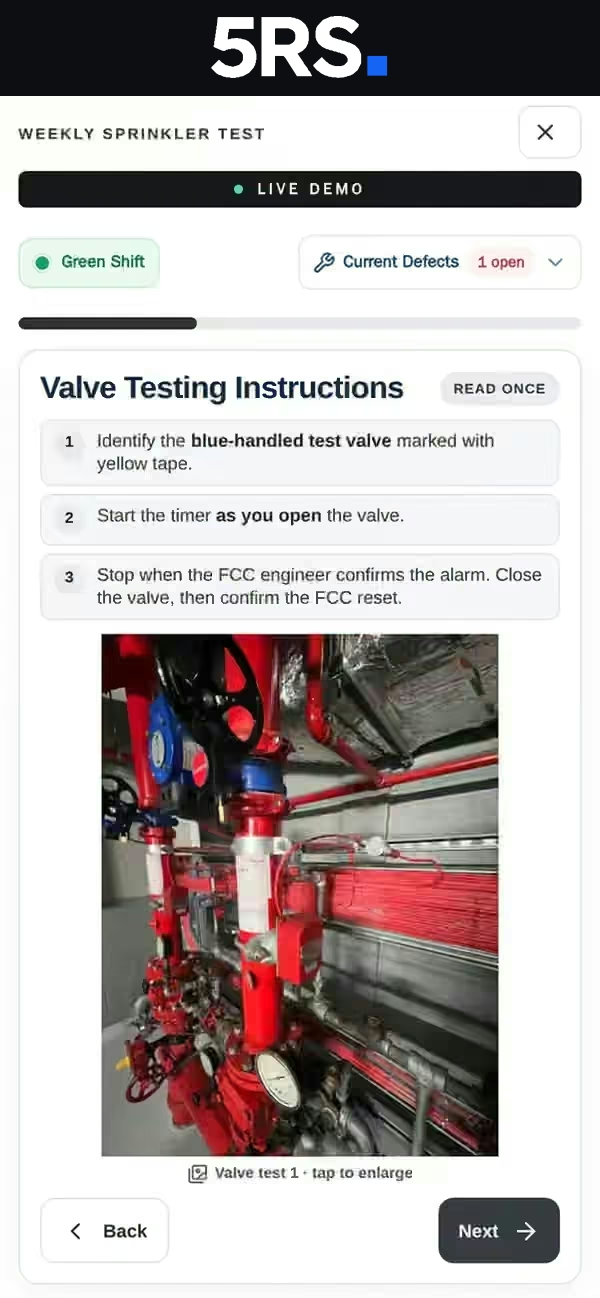
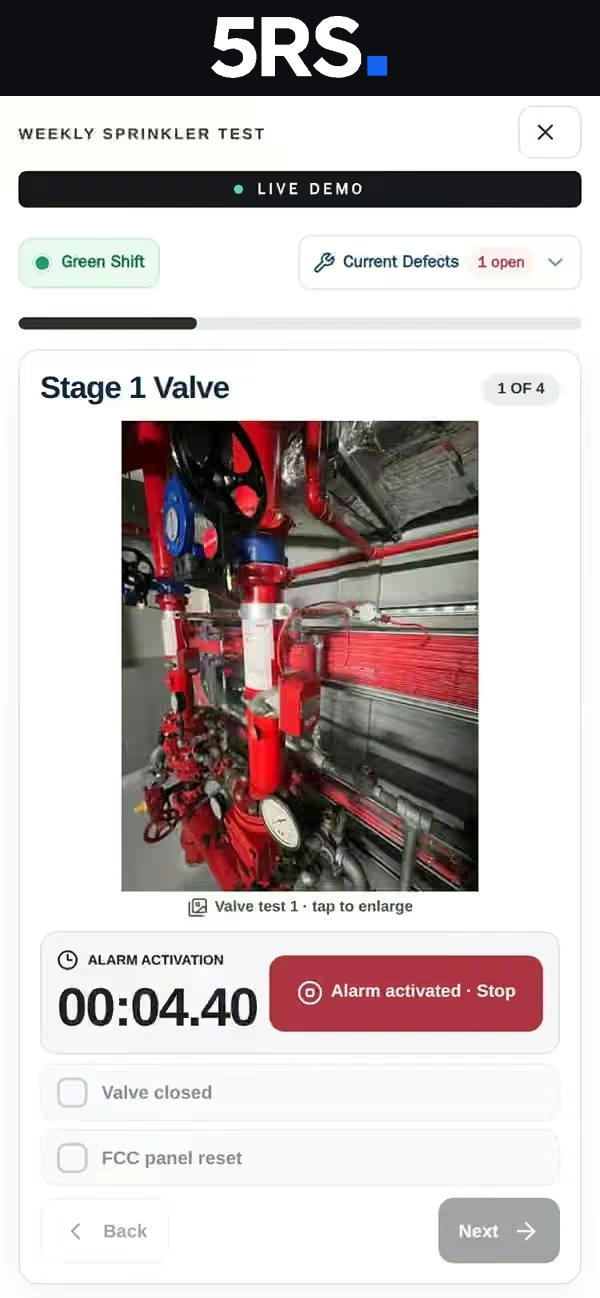
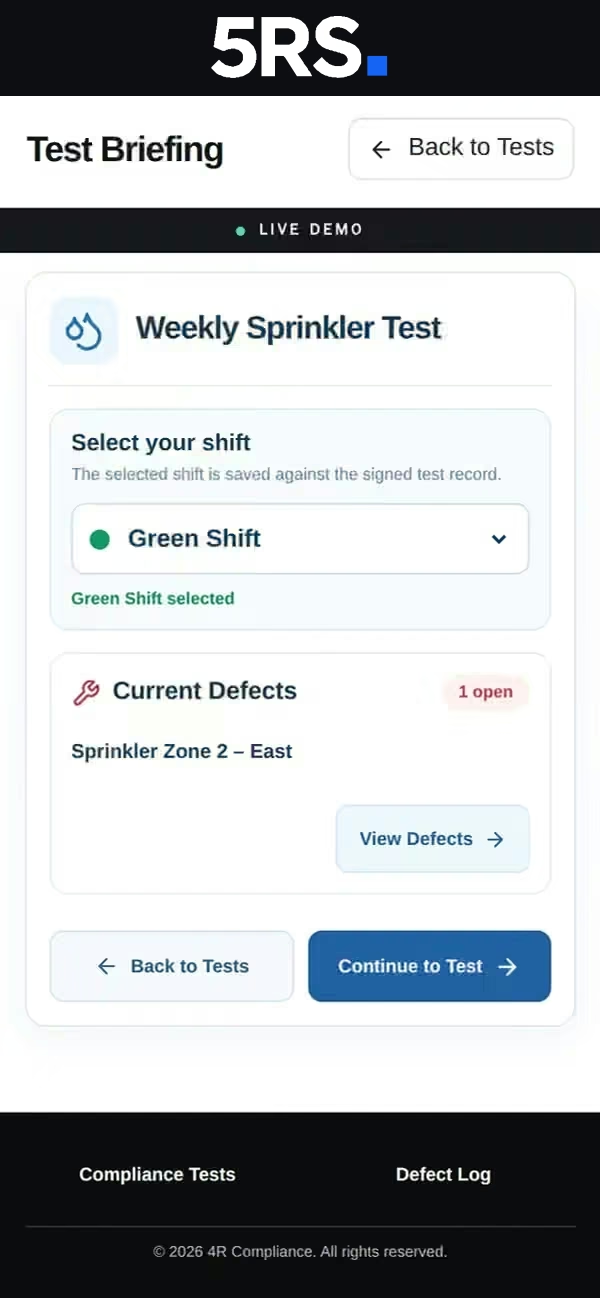
Explore the seven-step workflow from selecting a test and reviewing defects to following procedures, timing checks and signing the result.
Select the building-services test from the engineer dashboard.
Choose the active shift and review open defects before starting.
Follow the instructions to reach the Fire Control Centre and confirm arrival.
Identify the correct valve and follow the step-by-step testing instructions.
Time alarm activation, then confirm the valve is closed and the FCC has reset.
Move both engineers to the B3 sprinkler room and confirm they are in position.
Check the recorded results, enter engineer details and sign the completed test.
Give management visibility of outstanding work, overdue tests, recorded defects and signed evidence — without replacing the existing CAFM system.
See incomplete and overdue checks in the attention list while work is still outstanding.
Review testing status and open the signed records behind completed work.
Review outstanding defects, follow their status and spot recurring issues.
Review who carried out each test, their shift, results and signed completion.
Find signed, time-stamped records with results and download a PDF when needed.
Compare defect activity over time to help prioritise maintenance decisions.
Each completed test becomes a digital record showing the engineer, test start and finish times, results, defects and signature. Find it later, review it and export a PDF.
Sample record for illustration only. The demo requires an access code.
See how guided procedures, live timers and signed records fit into a real engineering workflow.